New User Login
New User Login for Readers.
If you have an account, sign in. If not, select the option to create an account.
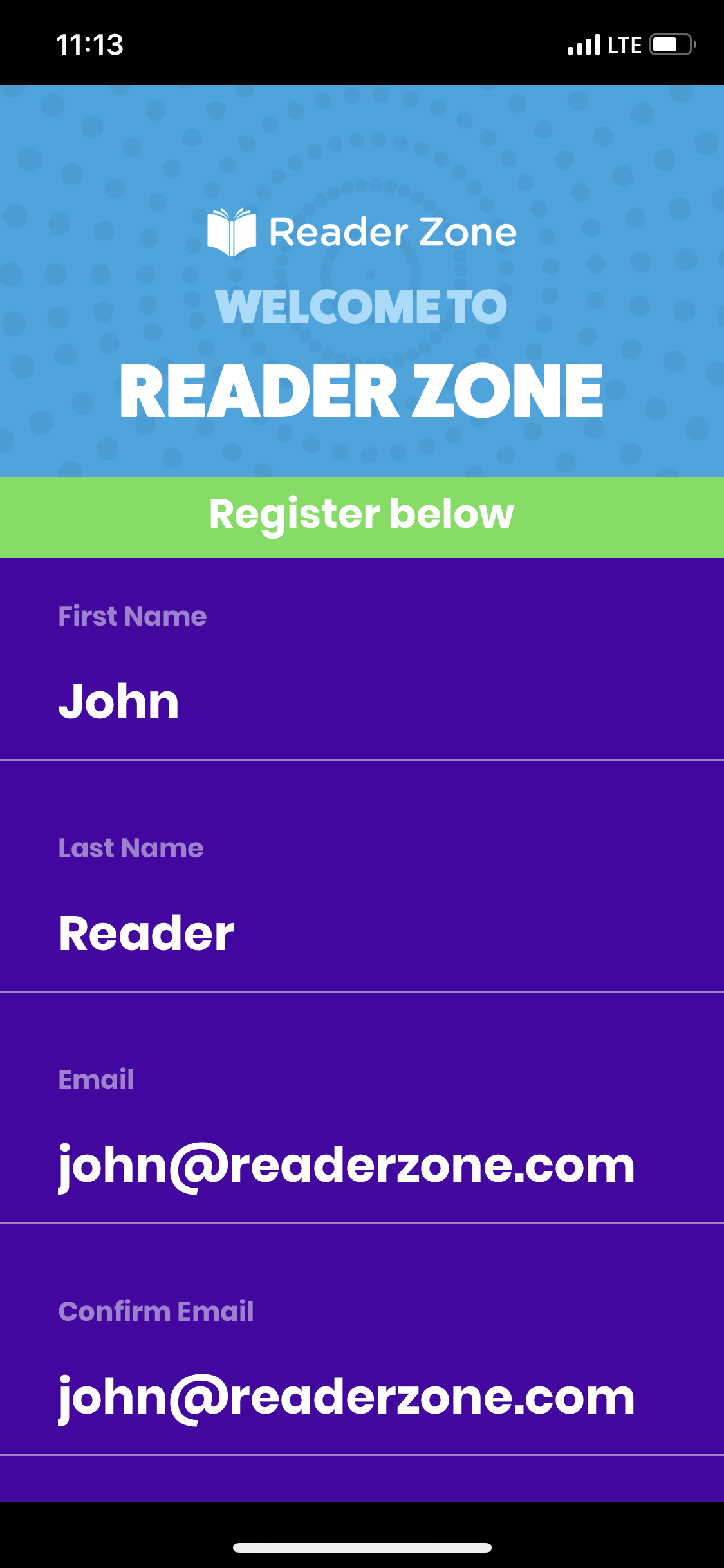
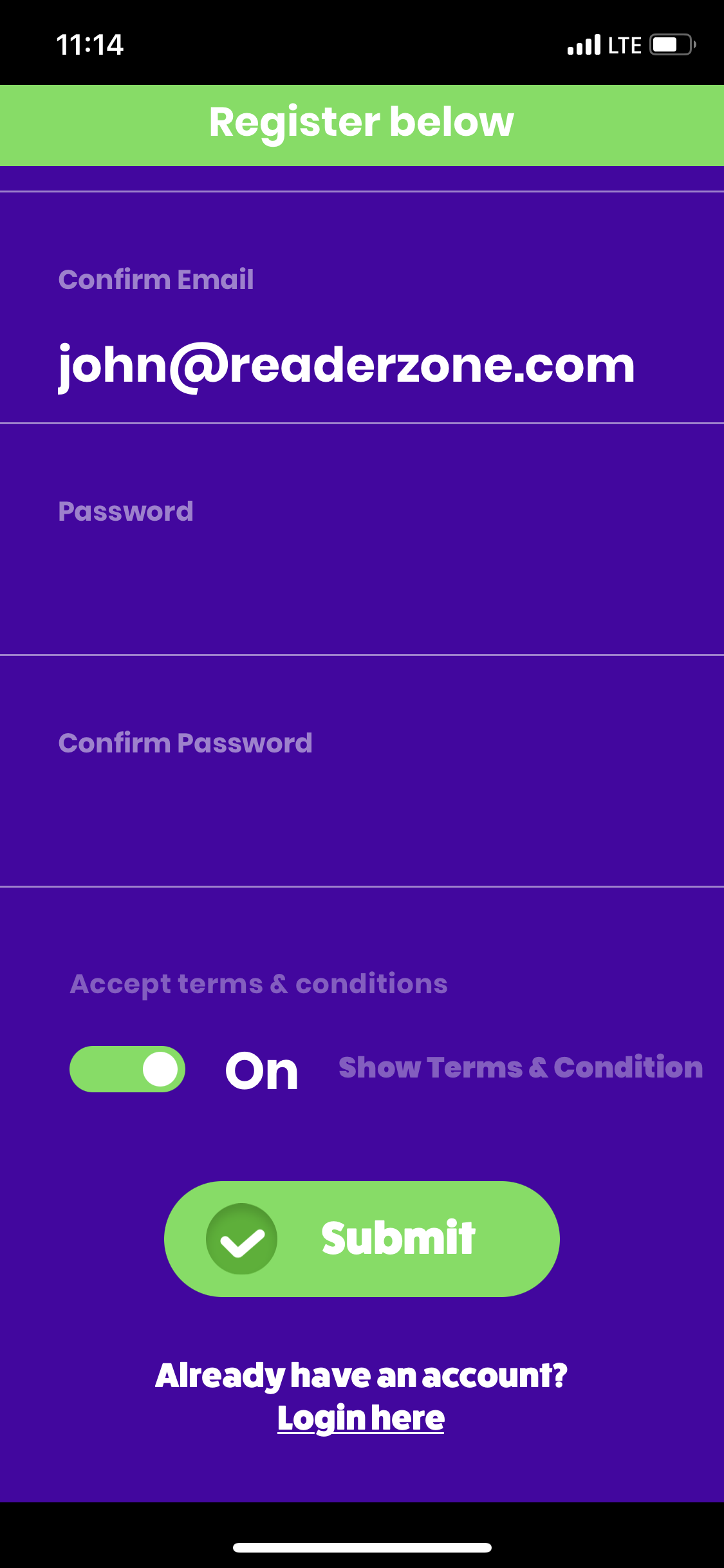
Fill in all your information, including entering your email twice to confirm it, as well as your password
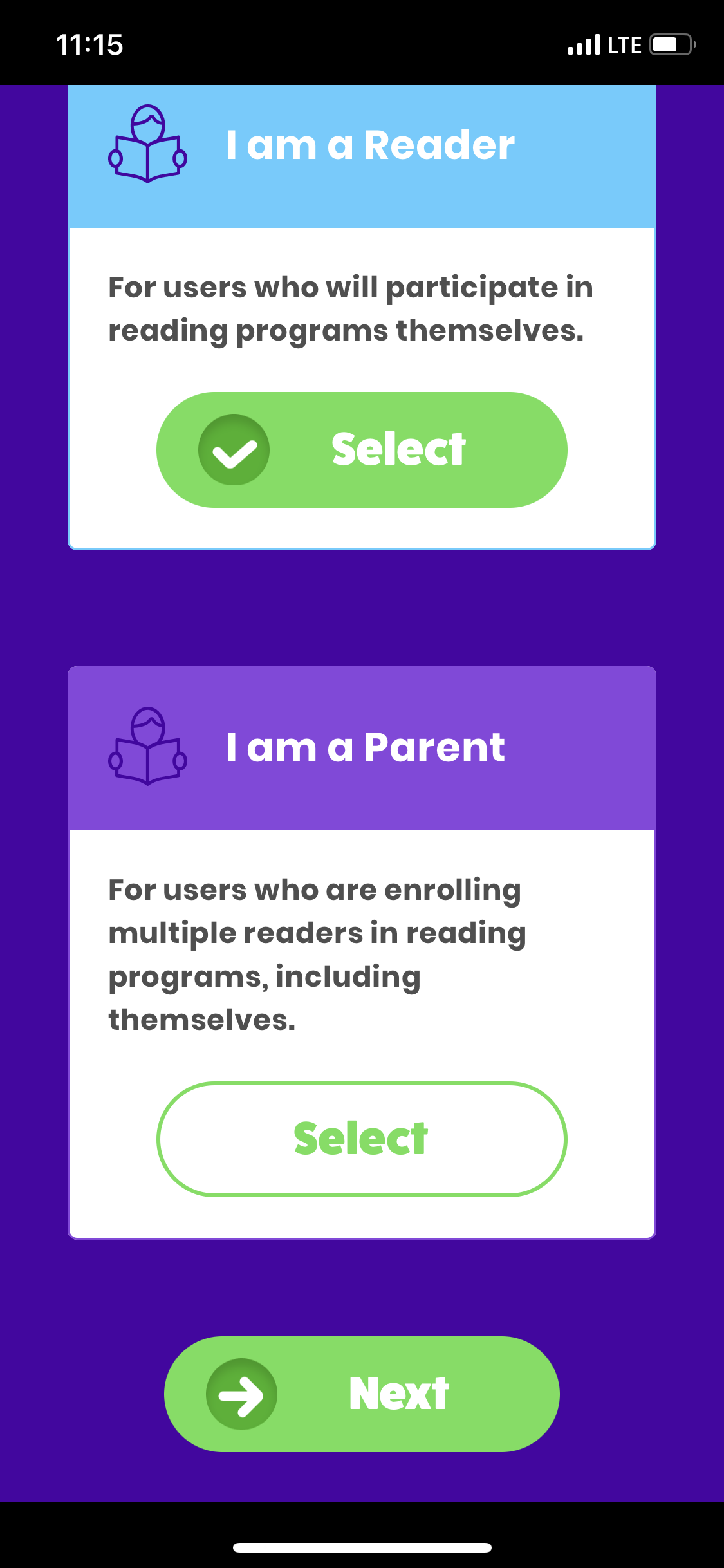
Now choose if you are a parent, running an account for your child, or a reader, logging your own reading.
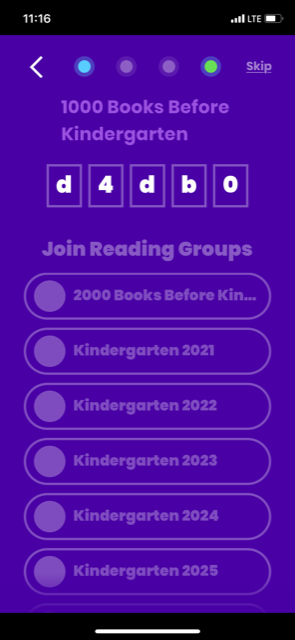
Then enter in your program code, once it is entered, you will be able to see the name of your program, as well as the groups you are able to enter, select the group and click next.
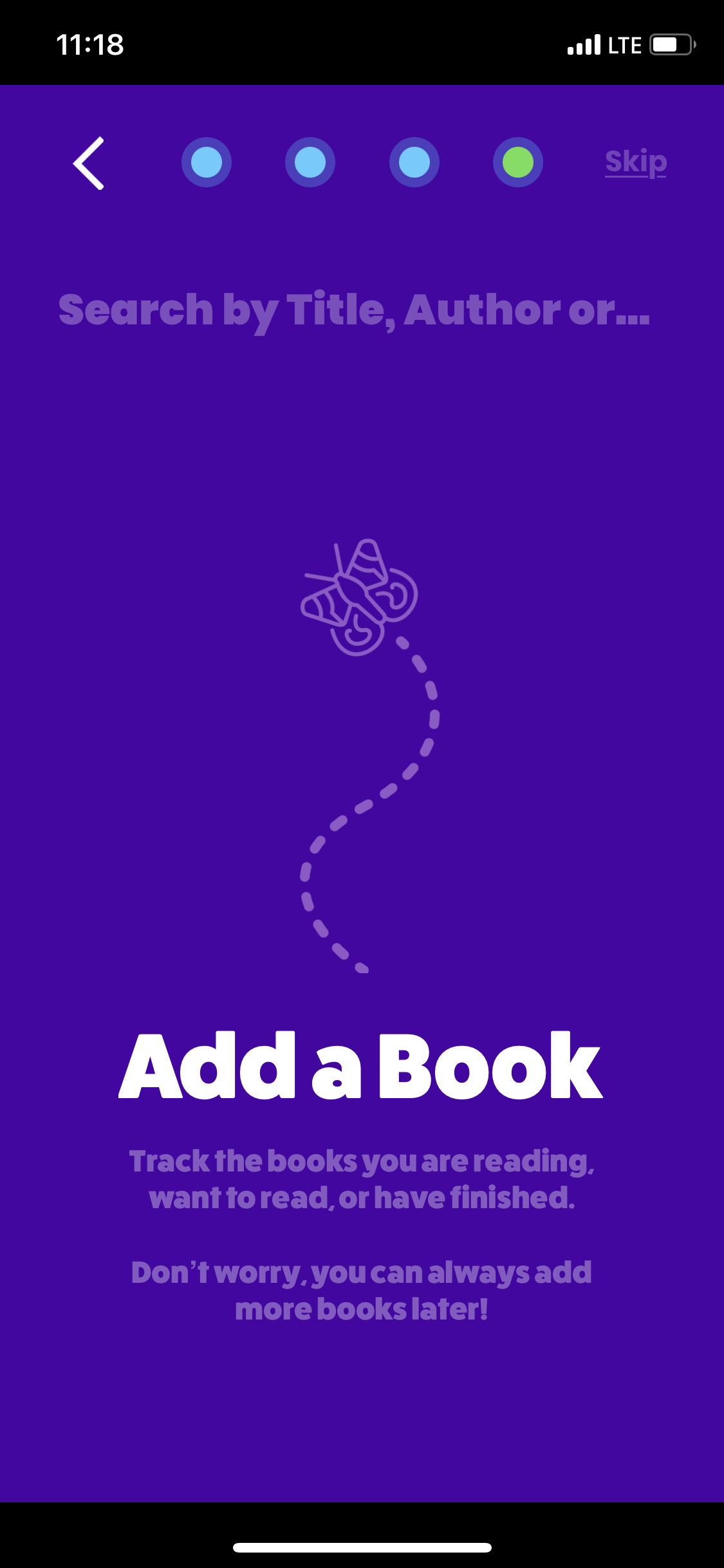
Add in any books you are currently reading, or plan to read. This step is option and you can come back to it at any time.
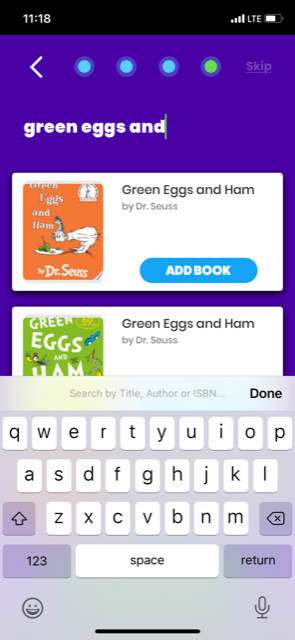
Simply type in the name of the book, click "Add Book" and select if you are reading it once or more than once.
Now you are ready to begin your reading program!